Label Designer: label design software for thermal printers
Design barcode, QR code, price and product labels for your thermal printer, then print them directly. A drag-and-drop label maker for Windows and Mac that works offline. Try it free for 15 days with every feature, no credit card required.
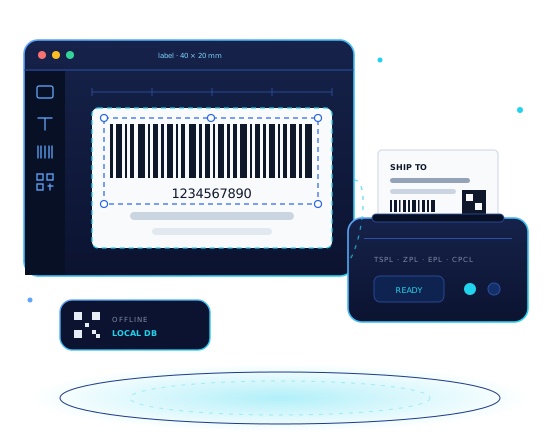
Label design software for thermal printers
Simple, visual label creation — no design experience needed
Multi-label Projects
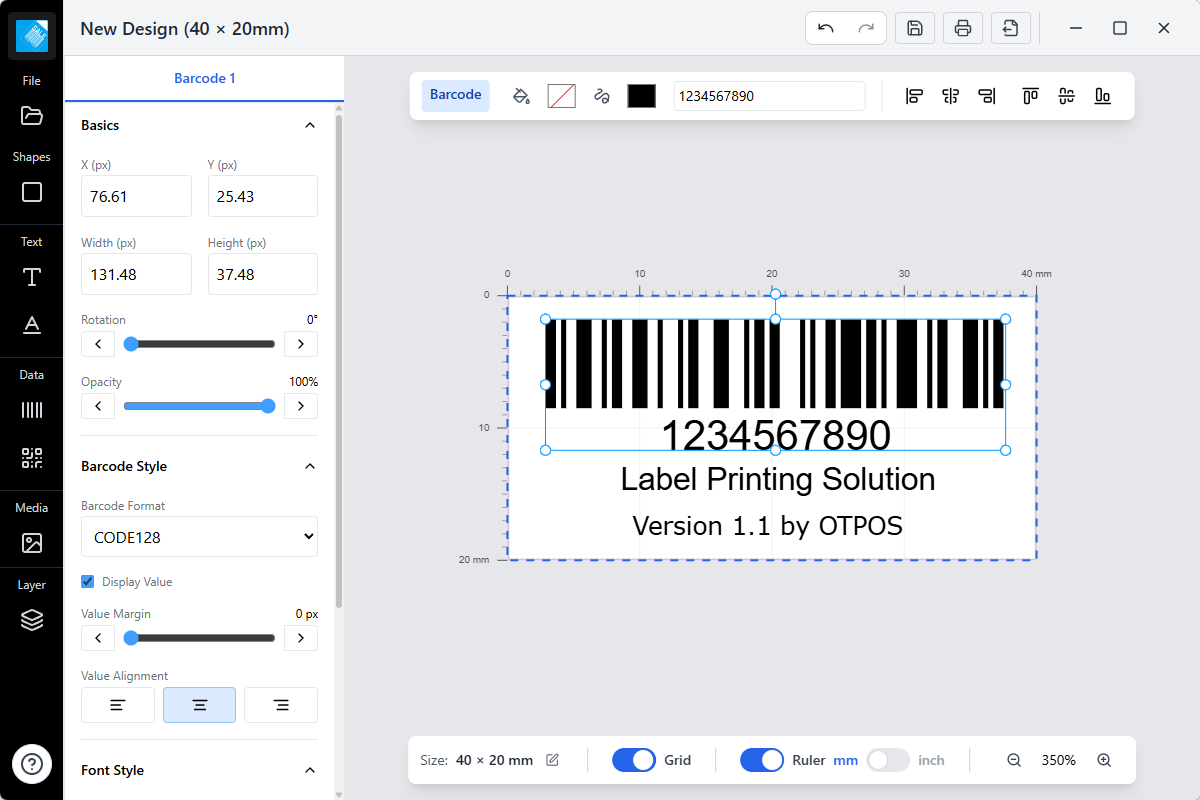
Design several labels in one project and switch between them easily
Visual Editing
Drag, drop, scale, and align elements precisely on canvas
Rich Elements
Text, shapes, barcodes, QR codes, and images supported
Offline & Secure
All designs are stored locally on your computer — private and secure
Download the free trial
Label Designer offers a free 15-day trial for Windows and macOS, with full feature access and no credit card required. Need labels to print on? See our direct thermal labels and label printers.
Windows Version
Windows 10/11 • 64-bit
v1.3.0 • Released September 20, 2026
macOS Version
macOS 10.15+ • Intel/Apple Silicon
v1.3.0 • Apple Silicon & Intel builds
Advanced Features
Tools for precise, clean labels every time
Multi-label Projects
Organize multiple labels in a single project and manage layers easily
Canvas-based Editor
A fast canvas editor for precise positioning and alignment
Custom Templates
Configurable sizes, spacing, and layouts with live preview
Secure Local Storage
All data is stored locally on your computer — no cloud uploads
Keyboard Shortcuts
Work faster with customizable keyboard shortcuts
Export & Print
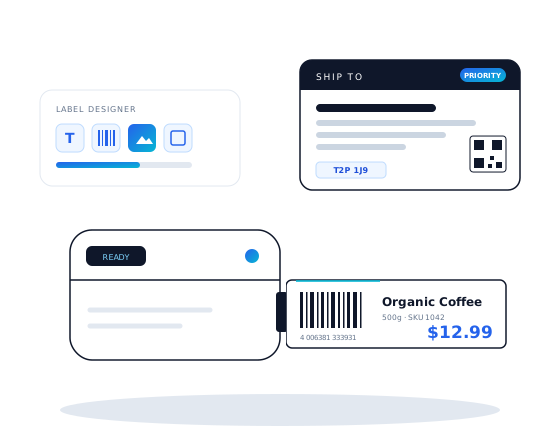
Export to images or print directly to your thermal label printer
Technical Specifications
| System Requirements | |
|---|---|
| Operating system | Windows 10+ · macOS 10.15+ (Apple Silicon & Intel) |
| Printer | USB/Serial printer support (optional) |
| Technology Stack | |
| Platform | Cross-platform Desktop |
| Frontend | Easy to use UI |
| Canvas | Canvas-based editor |
| Storage | SQLite (local) |
| Licence & Support | |
| Availability | Free 15-day trial, full features, no credit card |
| Updates | Regular improvements |
| Support | Community & documentation |
Design and print labels with Label Designer
Download the free trial and try every feature for 15 days, no credit card required